

Siemens has officially released Xpedition 2610, the latest version of its leading electronic systems design platform. This release introduces a wide range of enhancements across system engineering, schematic capture, library and data management, PCB layout, and multi-domain verification. These improvements help engineering teams shorten design cycles, protect intellectual property, and achieve greater first-pass success.
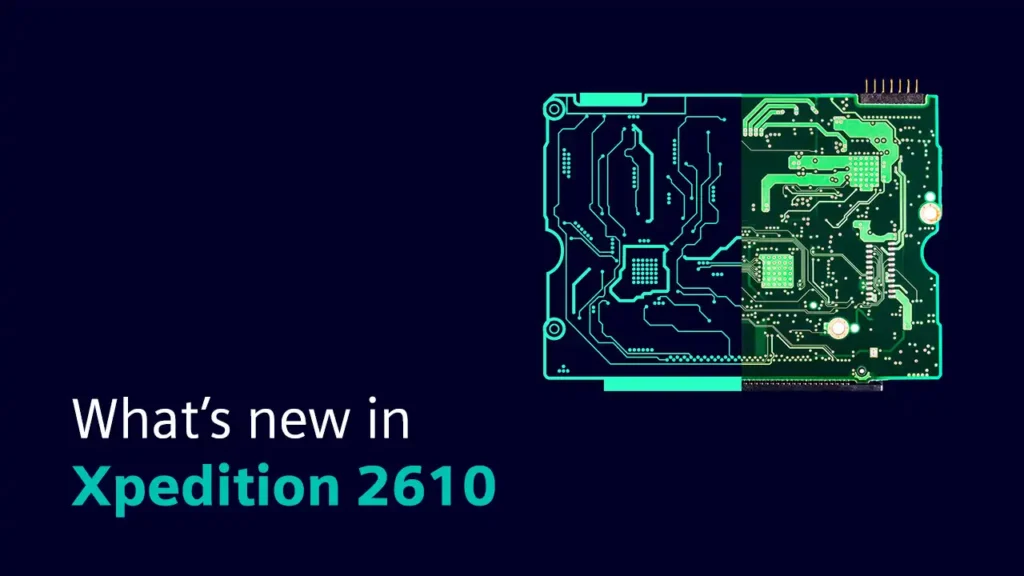
1. Xpedition Portfolio-Wide Enhancements
1.1. An Expandable Product Portfolio
Xpedition continues to evolve to meet the needs of engineering teams as design complexity, workflows, and organizational requirements grow. Version 2610 introduces Xpedition Advanced, specifically tailored for smaller enterprises.
1.2. A Modernized User Experience
The application bar has been optimized to align with Siemens’ design standards, freeing up valuable toolbar space and providing faster access to commands, even on standard-sized displays.
1.3. Strengthened Security
All connections between design tools, project management services, and concurrent multi-user workflows—including forward/backward annotation and packaging—are now fully encrypted in transit. This helps protect sensitive engineering intellectual property across distributed design networks, in line with secure-by-design principles.
2. System Design: Automating Requirements and Model-Based Verification
Today’s electronic systems require strict traceability from high-level architecture to physical implementation. Xpedition 2610 significantly enhances requirements decomposition and multi-board engineering capabilities:
- Batch Verification and Automated Regression Testing: Run multiple or all verification tasks in batch mode, making regression testing more convenient across complex design variants.
- Digital Verification Profiles for Complex Simulations: Run an entire simulation suite from a single verification task. Xpedition Model-Based Engineering (MBE) automatically generates traceable digital verification profiles, directly mapping requirements objectives to individual nets.
- Reusable Technology Verification Templates: Build reusable requirements and verification templates for standard protocols such as DDR4, PCIe, and SerDes to accelerate new project setup.
- Interactive HTML Verification Reports: View verification results directly from MBE verification objects through intuitive HTML reports, making it easier to classify issues and review approvals.
- Streamlined Multi-Board Signal Management: The redesigned Signal Manager interface enables hardware engineers to validate inter-board connectivity more intuitively, significantly reducing false warnings and preventing costly inter-board connection errors.
3. Schematic Design: Streamlining Workflows, Reuse, and Design Constraints
Moving from concept to schematic approval is now faster and more reliable with new automation and design constraint management tools:
- Setup Wizard and Environment Management: A semi-automated setup wizard helps new designers get up to speed quickly and standardizes design environments across enterprise teams.
- Instant Feedback with Cross-Probing: The improved cross-probing architecture eliminates freezing when selecting complex nets in Layout, providing smoother bidirectional navigation between schematics and PCB layouts.
- Intuitive Design Constraint Import: Search EDM projects by name or metadata attributes to import constraints, or import validated constraint rules from existing projects—even without deploying EDM.
Experience the new Setup Wizard interface on Xpedition 2610
Design Creation: Interface and Security Enhancements
Constraint Reuse in Xpedition 2610
4. Library and Design Data Management: Supply Chain Visibility and Faster Component Creation
Reliable and secure component data is the foundation of the Xpedition 2610 data management system:
- Built-in PartQuest Search: The PartQuest plug-in is embedded directly into the platform, eliminating the need to switch tabs. Designers can search for manufacturer components by supplier and parametric filters directly within EDM.
- Real-Time Supply Chain and Compliance Data: Access logistics information, component availability, and manufacturers’ environmental and compliance documentation directly from EDM Web and component detail views.
- Unified Parasolid 3D Content: The central library automatically converts legacy PADS Pro 3D models into the Siemens Parasolid format when opened, standardizing 3D mechanical accuracy across Xpedition Standard and Advanced.
Cell Editor and Footprint Expert Enhancements: Edit or create padstacks and change design units without closing Cell Editor. Footprint Expert, the component footprint creation tool, also supports additional padstack geometries, such as chamfered square through-hole pads.
Integrated Component Supply Chain Data with PartQuest Search
Customize Component Request Forms in EDM Collaborate
Enhancements to the Component Library Creation Workflow in Cell Editor
5. PCB Layout: Major Power Plane Performance Improvements and MCAD Co-Design
Xpedition Layout 2610 delivers a significant performance boost for complex, high-power-density boards:
- Up to 10x Faster Plane Generation: For designs containing thousands of overlapping power plane shapes, plane generation is up to 10x faster. Board loading time is improved by up to 1.8x, while physical reuse block updates are up to 2.3x faster. Interactive shove routing and via insertion through power planes are also noticeably smoother.
- Improved MCAD/ECAD Collaboration with Baseline Management: Smarter IDX file and UID tracking ensures seamless baseline comparison when working with Siemens Designcenter, accelerating mechanical data exchange for large designs with nested reuse blocks.
- Mapping Logical Blocks to Physical Implementations: A managed block containing only logical information in the schematic can now be mapped to multiple physical reusable PCB layouts. This allows the same circuit functionality to be implemented across different mechanical board sizes and shapes.
Streamlined Creepage Distance Checking: Enhanced batch creepage analysis allows users to review, accept, and audit insulation clearance violations—with timestamps and user comments—directly in Hazard Explorer.
Integrated Creepage Distance Checking in Batch Check Mode
Simplifying More Flexible Design Reuse
Streamlining Manufacturing Data Export with Global Search
Layout Interface and User Experience Enhancements
Managing and Synchronizing Design Variants to BluePrint Manufacturing Documentation
6. Design Verification: Integrating Verification into the Workflow
The shift-left verification approach brings physically validated checks and manufacturability analysis directly into the engineering workspace, helping teams get designs right the first time:
- Modern AI-Assisted DFM Verification: Valor NPI introduces a new verification workspace with an AI assistant, customizable layouts, and direct EDM integration. Engineers can run Design for Manufacturing (DFM) analysis and review results in Hazard Explorer with full version control.
- EDM-Managed Schematic Analysis: Run HyperLynx Schematic Analysis within EDM-managed workflows. Track violations across design versions and resolve them more efficiently through severity-based grouping (Critical, Error, and Warning), with direct cross-probing back to Designer.
Design-Level DC Drop Analysis in EDM: Power integrity analysis is integrated into the workflow, allowing EDM to track simulation status and pass/fail results.
Conclusion
Whether you are designing advanced multi-board systems, managing enterprise component libraries, or pushing the limits of PCB layout and high-speed verification, Xpedition 2610 equips engineering teams with the speed, flexibility, and reliable results needed to achieve first-pass success.
Source: Siemens
Discover more:
- Introduction to Siemens Xpedition and Its Versions
- Xpedition Standard: Shortening PCB Design Cycles for Small and Medium-Sized Businesses
- Accelerating PCB Design: Xpedition and HyperLynx Signal Integrity Analysis
Contact VBTECH for direct consultations: